
Blogs
Guides and tips on scanning, PDFs, and image conversion.

How to Split PDFs on iOS, Android, and Desktop
Learn how to extract pages from a PDF using built-in phone tools or the FiloDocs app. Split files fast. Free to download on iOS & Android.

How to Watermark PDFs and Images for Free (Without Creating an Account)
Learn how to add a watermark to a PDF or generate custom logo stamps. Built for mobile—free on iOS & Android, no account required.

How Do I Type on a PDF Document? 3 Free Methods
Learn how to type on a PDF document using free tools on Mac, Windows, and mobile. Edit text easily by converting to Word. Free, no account needed.

How to Build a PDF File from Photos, Scans, and Documents
Learn how to build a PDF file from photos, Word docs, and paper scans using native tools or FiloDocs. Free on iOS & Android, no account required.

How to Convert PDF to Google Doc (Without Losing Formatting)
Learn how to turn a PDF into a Google Doc without ruining tables or layouts. Plus, the fastest way to convert files on your phone—free, no account needed.

How to Convert an Excel Spreadsheet to PDF on Any Device
Learn how to convert an Excel spreadsheet to PDF using built-in methods or a free xlsx to pdf converter. Fast, free on iOS & Android, no account needed.

How to Change PPTX to PDF on Mobile and Desktop (Free & Fast)
Learn how to change PPTX to PDF on Windows, Mac, iPhone, and Android. Keep your slide layouts intact. Free mobile conversions with no account on FiloDocs.

How to Convert a PDF to Text (Free and Native Methods)
Learn how to extract text from a PDF for free using native copy-paste, Google Drive, or on-device OCR. Convert securely without uploading. Free on iOS & Android, no account.
.webp)
How to Convert PNG to PDF (and Combine Multiple Images into One File)
Learn how to convert multiple images (PNG/JPG) to a single PDF using built-in phone tools or the free FiloDocs app. 100% offline, free, no account.

How to Convert JPGs to PDF (and Extract Images) for Free
Learn how to combine multiple photos into a PDF, extract images from PDFs, and convert formats. Fast, offline, and free on iOS & Android—no account needed.

How to Convert a Picture to Word (and PDF to DOCX)
Learn how to extract text from images and convert PDF to DOCX using built-in tools or offline OCR. Fast, secure, and free on iOS & Android.

How to Merge PDFs and Images for Free (Without Uploading)
Learn how to use a free online PDF merger, built-in Mac/Windows tools, or combine files offline on your phone. Filodocs is free on iOS & Android, no account.

E-Signatures Explained: How Digital Signing Works
Learn the difference between digital signatures and e-signatures. Find out how to sign PDFs fast and offline. Free on iOS & Android, no account needed.

How to Edit, Annotate and Secure a PDF on Your Phone
Learn how to draw on, edit, and add a password to any PDF using built-in phone tools and offline apps. 100% on-device processing. Free, no account.
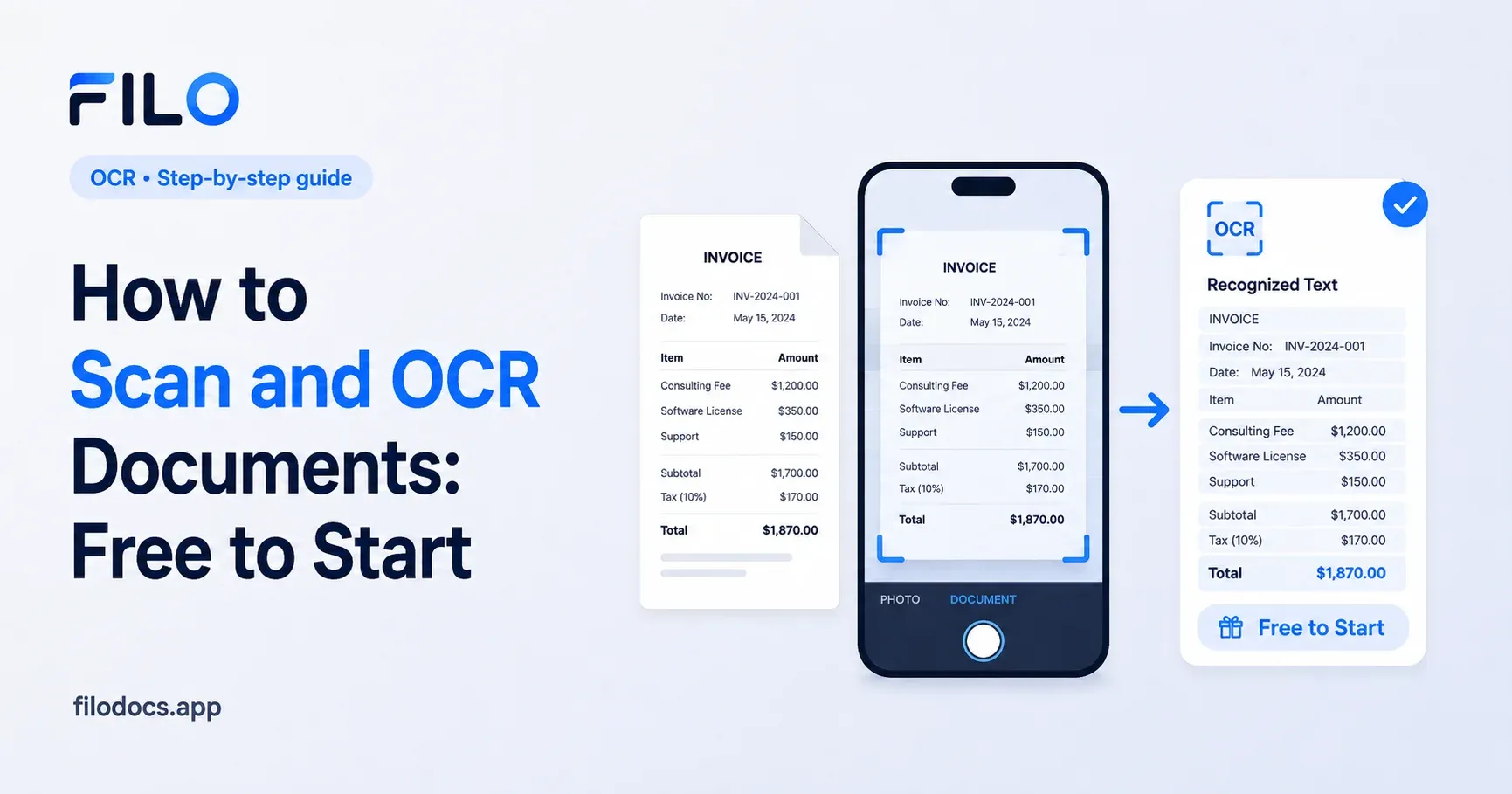
How to Scan and OCR Documents: Free to Start
Learn how to scan documents and extract text using OCR. Compare Apple Notes, Google Drive, and offline tools to convert paper to text. Free, no account.
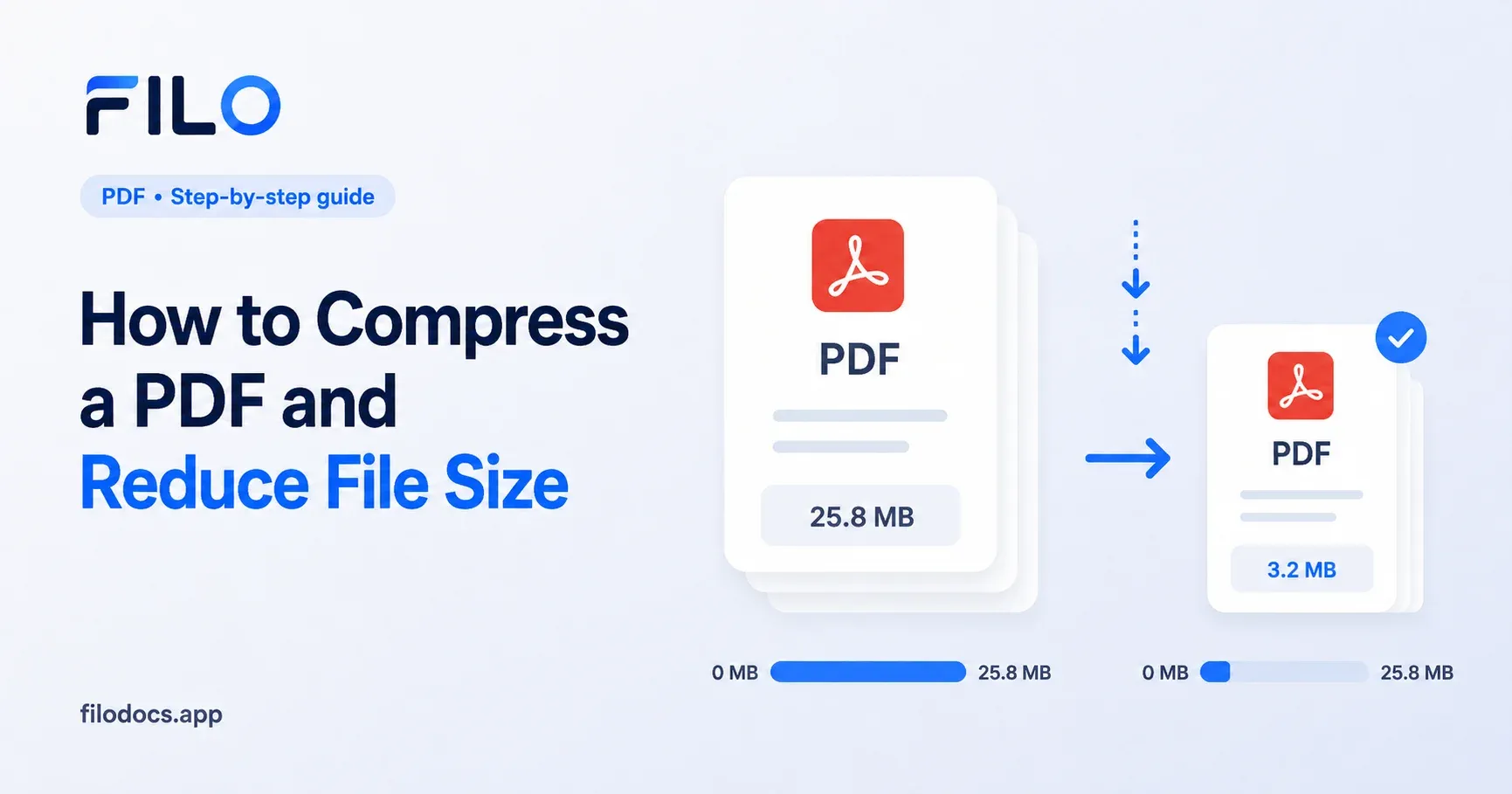
How to Compress a PDF and Reduce File Size
Learn how to compress a PDF to bypass email limits. Compare Mac Preview, web converters, and offline mobile tools. Free on iOS and Android, no account.
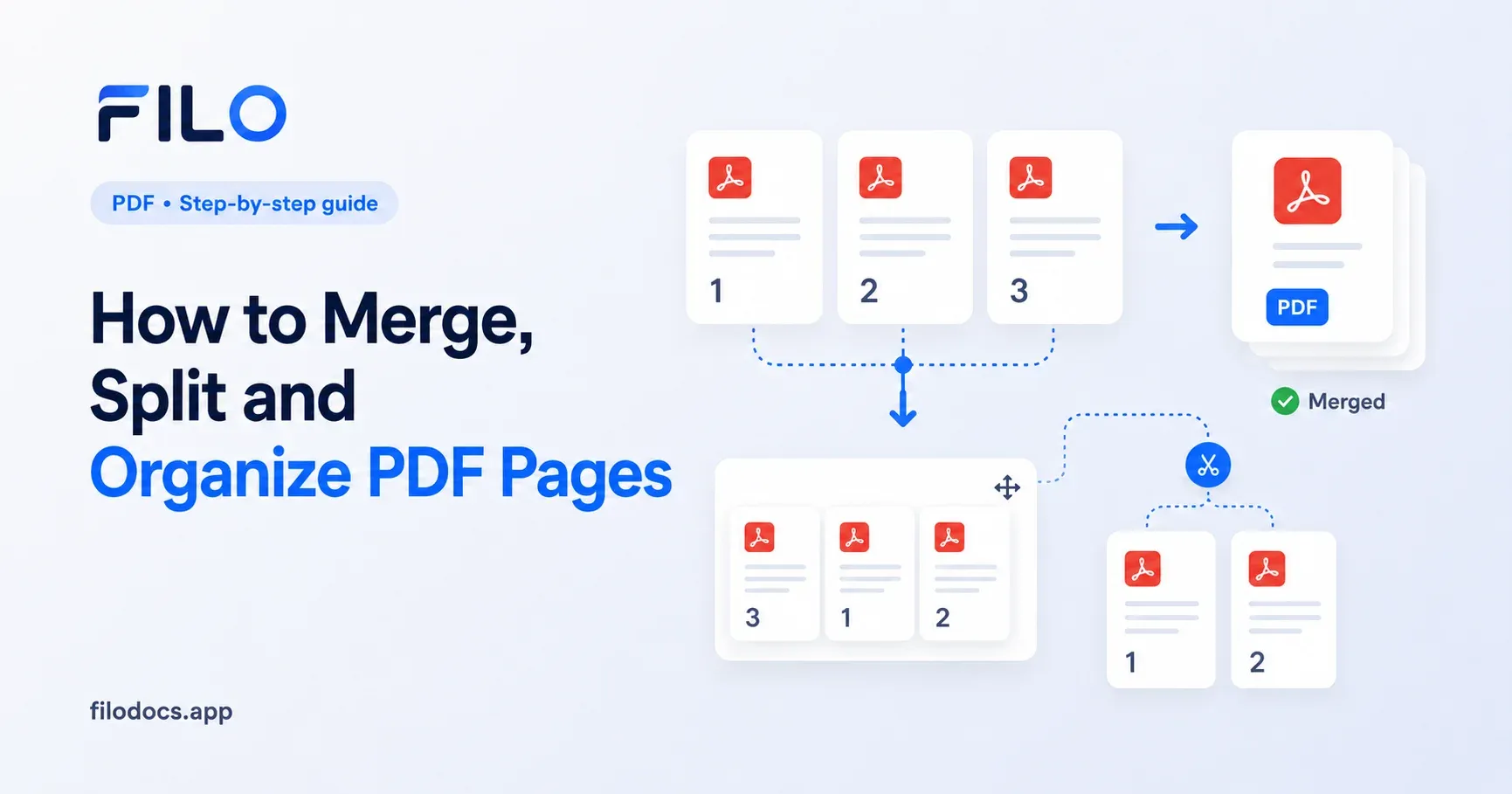
How to Merge, Split and Organize PDF Pages
Learn how to extract PDF pages and combine documents natively or on mobile. Keep sensitive files safe with 100% offline tools. Free on iOS & Android.
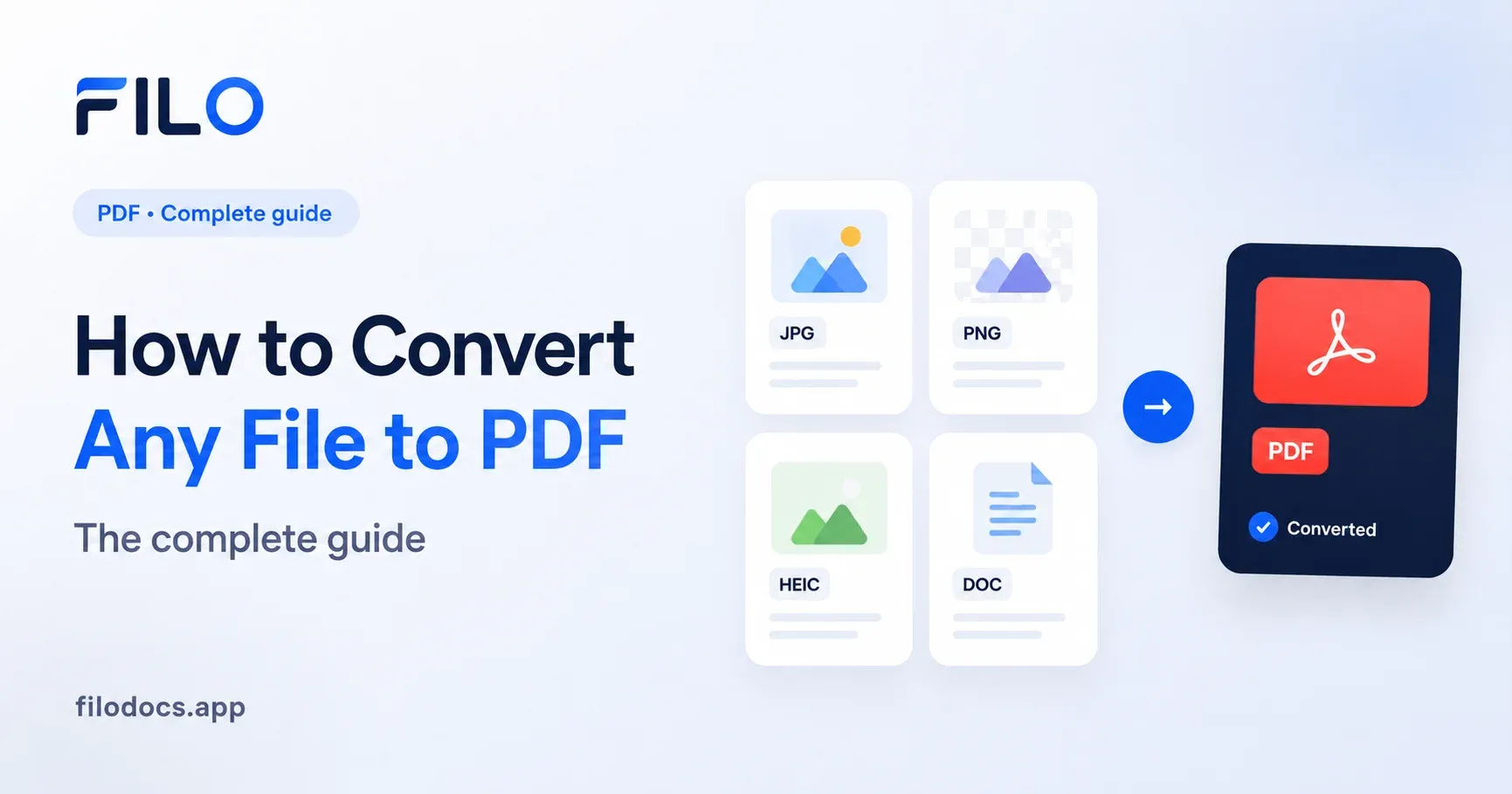
How to Convert Any File to PDF: The Complete Guide
Learn how to convert images, Word docs, and PPTs to PDF. Batch convert files offline directly on your phone — free on iOS & Android, no account required.
How to Mass Convert Files to PDF (Without Uploading Them)
Learn how to mass convert images and documents to PDF using Windows, Mac, and mobile tools. Keep your files private. Free on iOS & Android, no account.
How to Convert HEIC to JPG on iPhone: The Complete Guides
Every way to convert HEIC photos to JPG on iPhone, built-in Settings, Shortcuts, Mail, and a batch method for hundreds of photos at once, all explained.